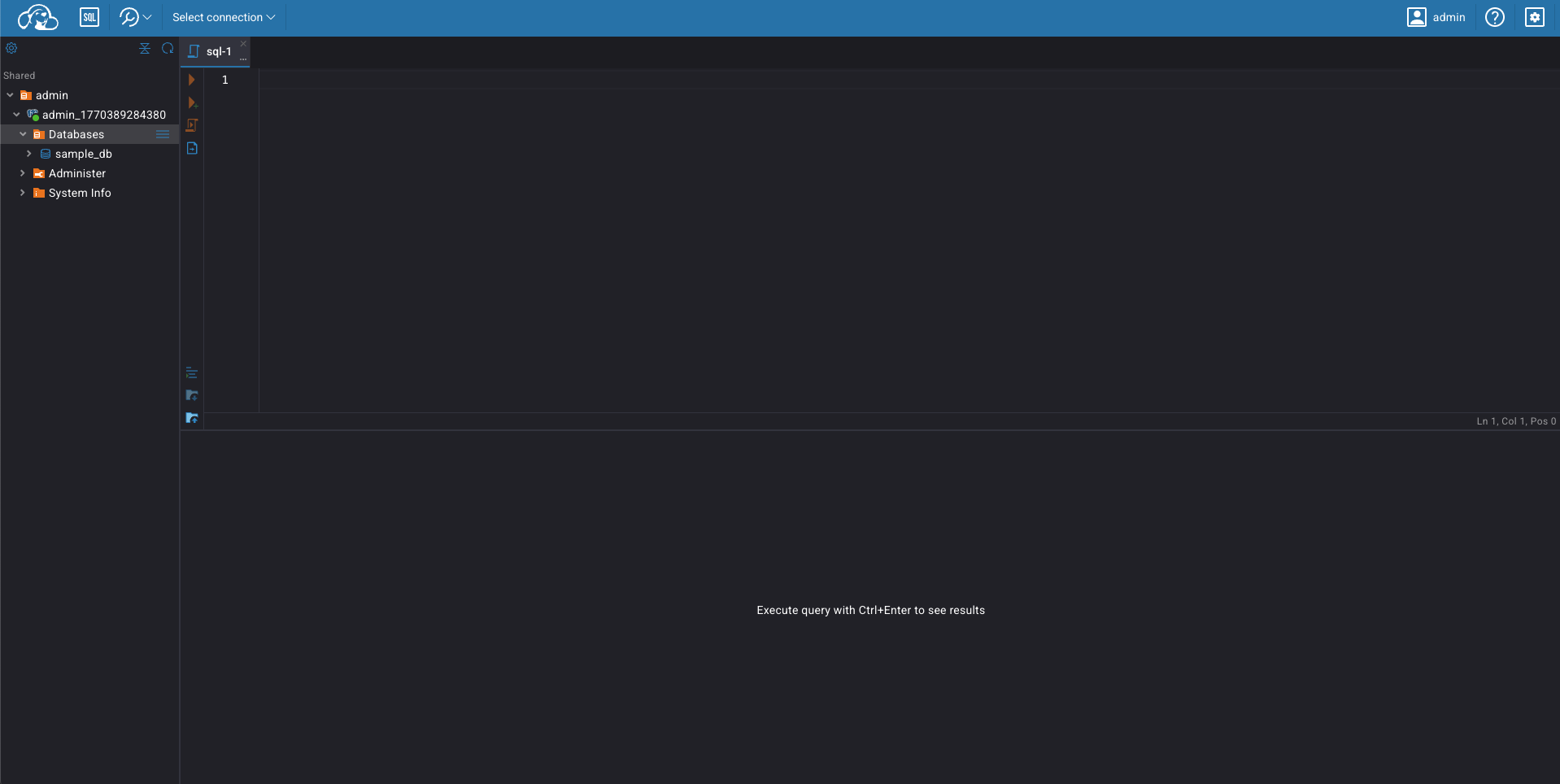
CloudBeaver Integration
The CloudBeaver integration allows you to access and manage a data source directly from your web browser, without leaving the browser.
CloudBeaver is an open-source database manager based on DBeaver. This integration removes the need to copy ephemeral credentials into a third-party tool, allowing you to launch secure database sessions instantly.
Prerequisites
CloudBeaver is automatically configured with the Heimdall Console.
Note: Please ensure your browser's pop-up blocker is disabled for this site. The CloudBeaver interface launches in a new tab, which some browsers may block by default.
Accessing CloudBeaver
You can launch CloudBeaver directly from the Sessions tab.
-
Request Access: Ensure you have requested access to a data source through the portal.
-
Locate the Session: Once requested, your session will appear in the list. Initially, the DB button in the 'Access' column will be disabled.

- Launch the Session: Once your session is approved and started, the DB button will become active.

- Start Managing Data: Click the DB button to open CloudBeaver in a new tab. The session is pre-initialized, so you do not need to manually input credentials.