System Wizard Overview
The Wizard is provided to provide a guided walk-through to configure a key Heimdall settings such as Portal, Data Source, VDB, Rules, Caching, LDAP, Secrets Manager, SMTP and Notifications.
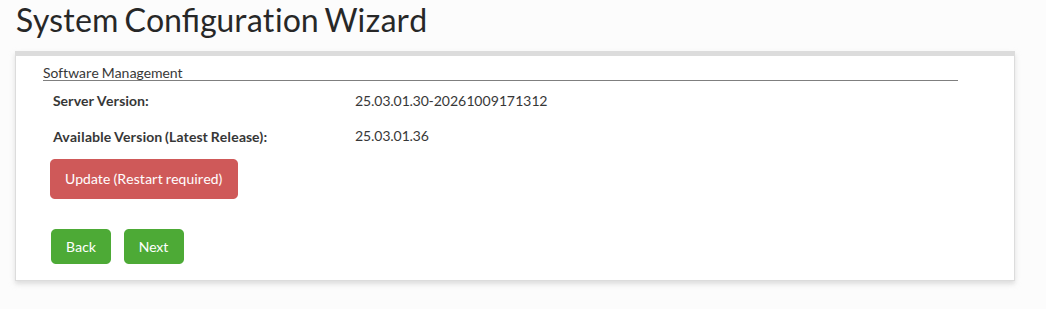
Software Management
This section allows to update the Heimdall to the latest release if it is outdated.
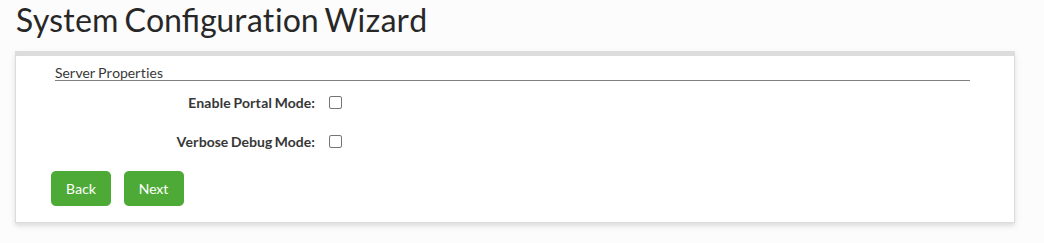
Server Properties
This section allows to enable Portal Mode and Verbose Debug Mode options. More information available in the Server Properties section.
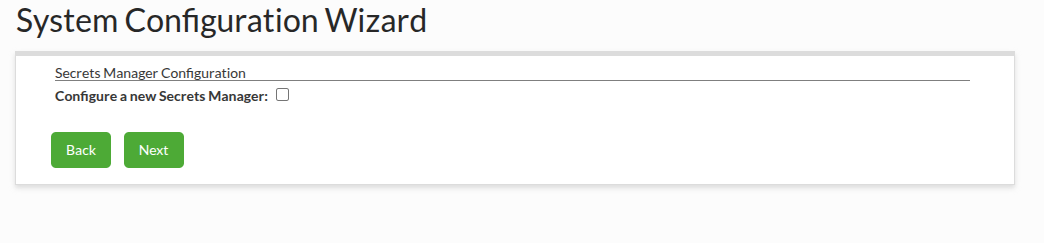
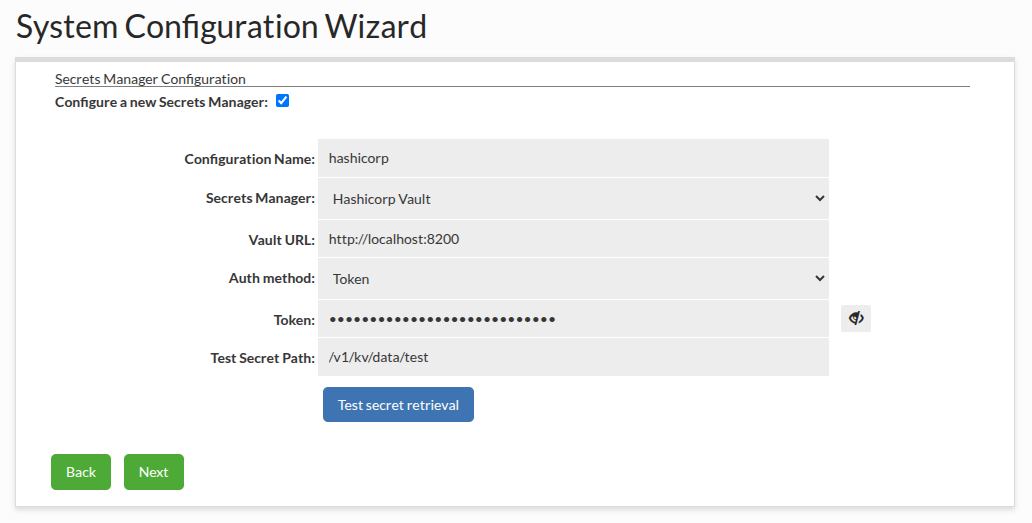
Secrets Manager Configuration
This section allows to configure a new Secrets Manager after checking the "Configure a new Secrets Manager" checkbox. The configured Secrets Manager can be used in the next sections. In the case there is already other Secrets Manager configured in Heimdall, it also can be used in the next sections. More information available in the Secrets Manager Configuration section.
Data Source Confirmation
This section allows to confirm or reject configuring a new Data Source. If Portal Mode is enabled but no Data Source is configured in Heimdall, this section will be skipped and the Data Source configuration section will be displayed.

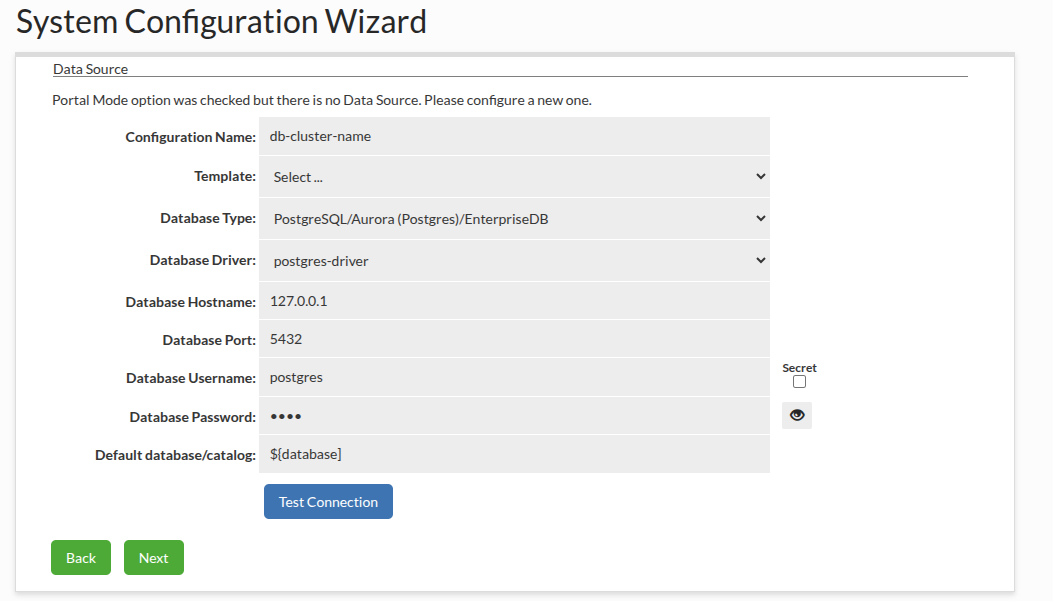
Data Source
This section allows to configure a new Data Source. The configured Data Source can be used in the next sections. More information available in the Data Source wizard section.
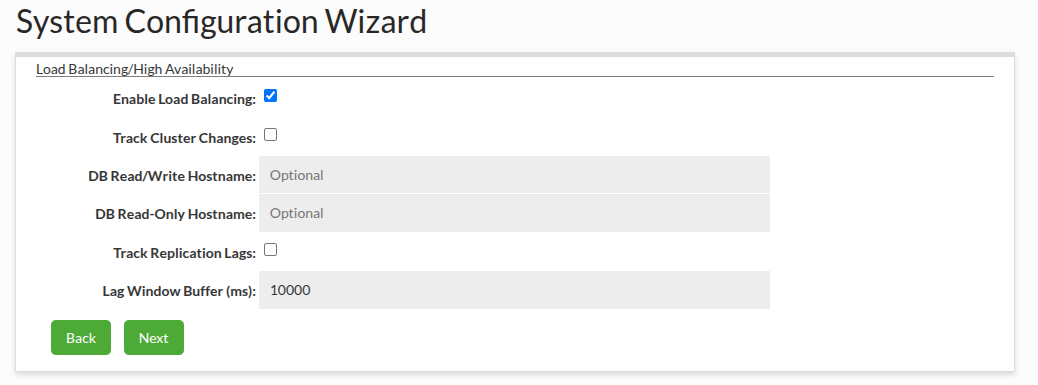
Load Balancing/High Availability
This section allows to configure Load Balancing for the configured Data Source. More information available in the Load Balancing/High Availability wizard section.
VDB Confirmation
This section allows to confirm or reject configuring a new VDB.

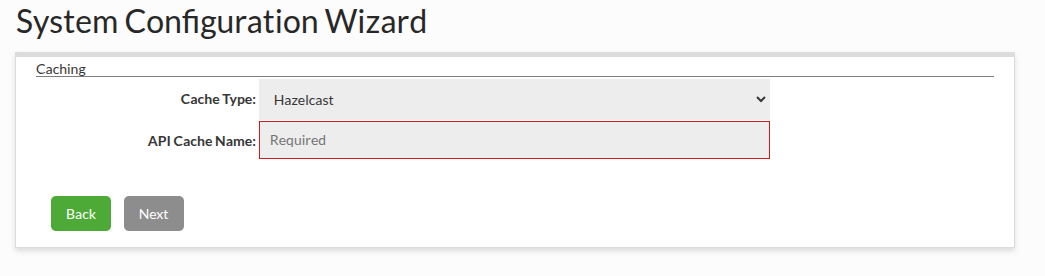
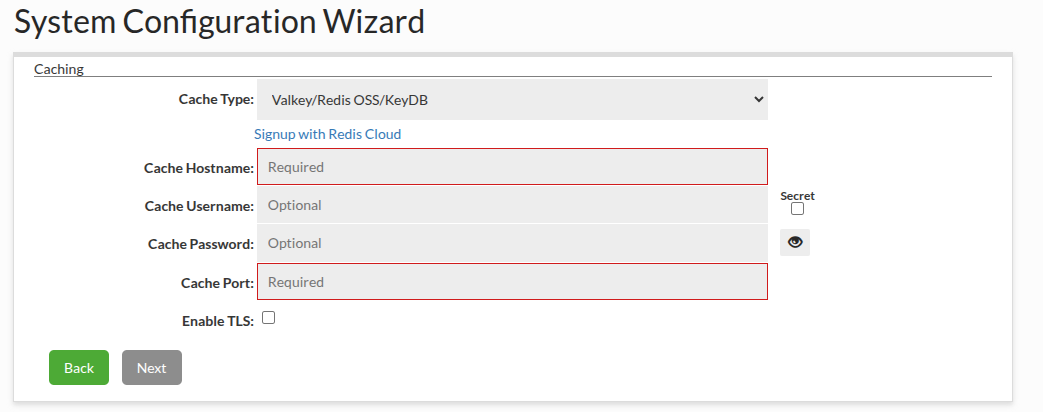
Cache Configuration
This section allows to configure the cache. It will be displayed only when creating a new VDB was confirmed. More information available in the Cache Configuration wizard section.
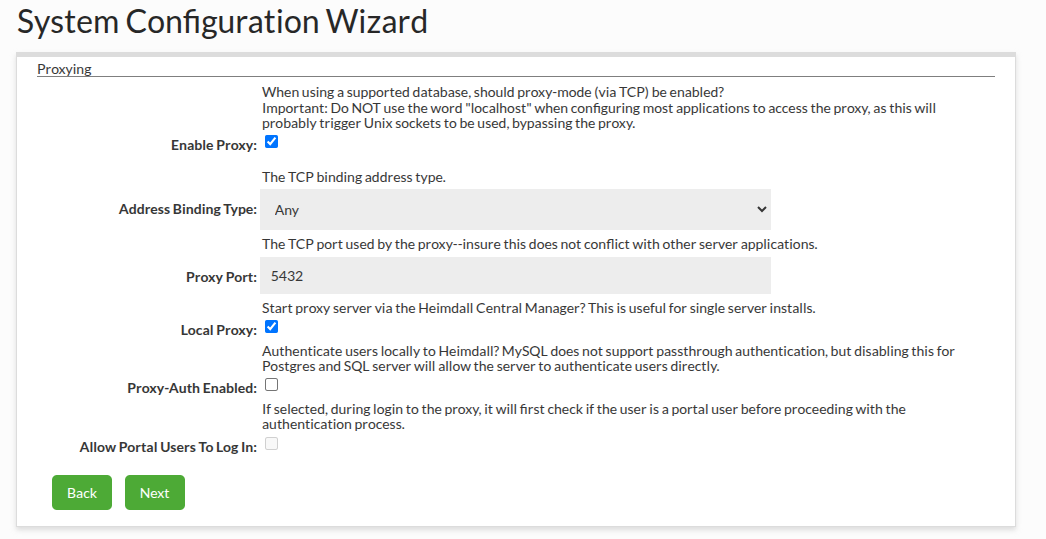
Proxy Configuration
This section allow to configure the proxy. It will be displayed only when creating a new VDB was confirmed. More information available in the Proxy Configuration wizard section.
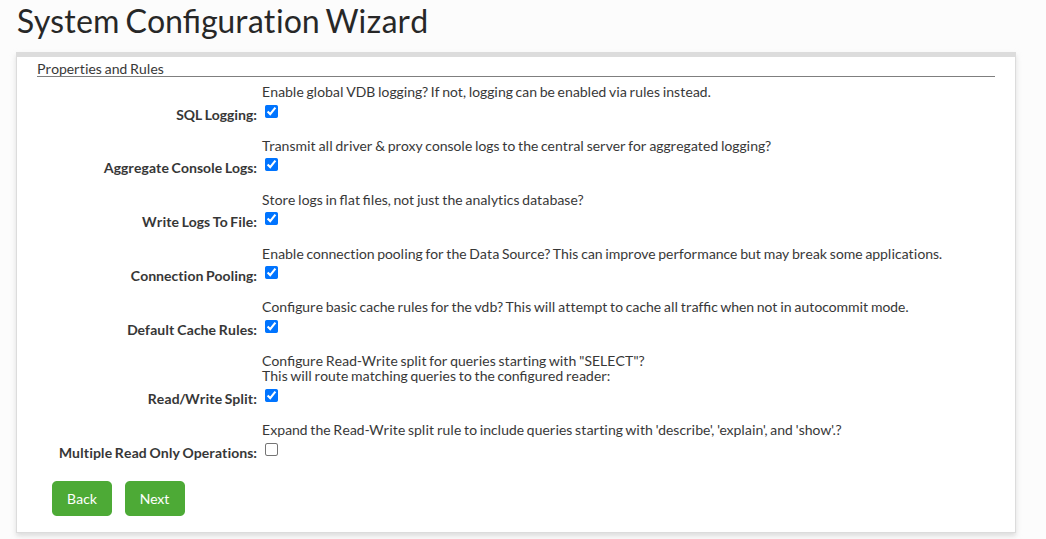
Properties and Rules
This section allows to configure the properties and the rules. It will be displayed only when creating a new VDB was confirmed. More information available in the Properties and Rules wizard section.
LDAP Configuration
This section allows to configure a new LDAP after selecting the "Configure a new LDAP" checkbox. The configured LDAP can be used in the next sections. In the case there is already other LDAP configured in Heimdall, it also can be used in the next sections. More information available in the LDAP Configuration Wizard section.

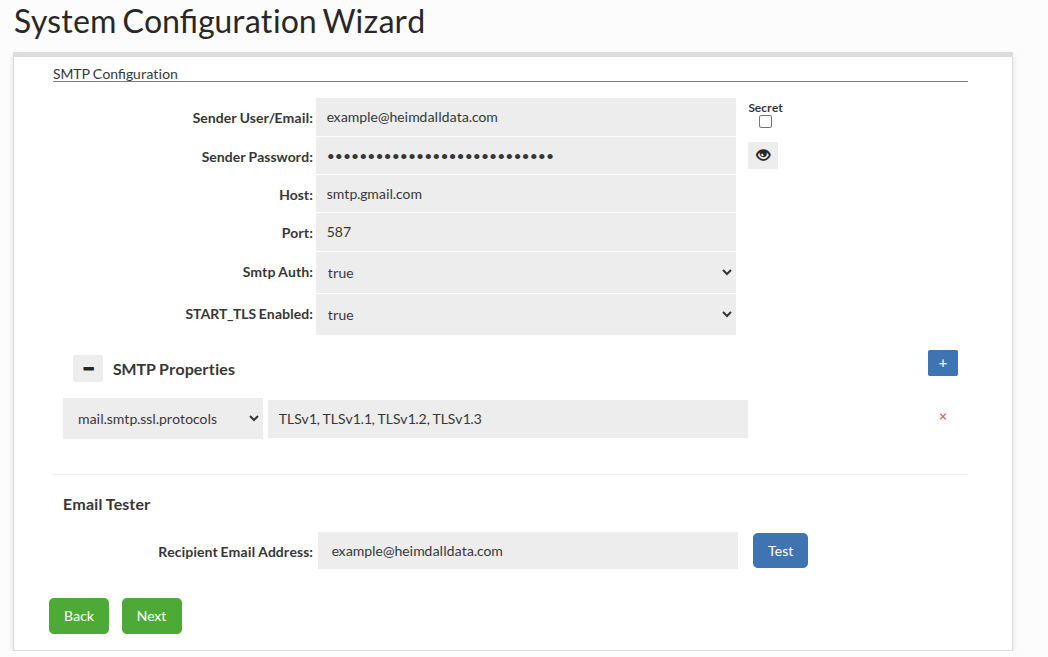
SMTP Configuration
This section allows to configure the SMTP. More information available in the SMTP Configuration section.
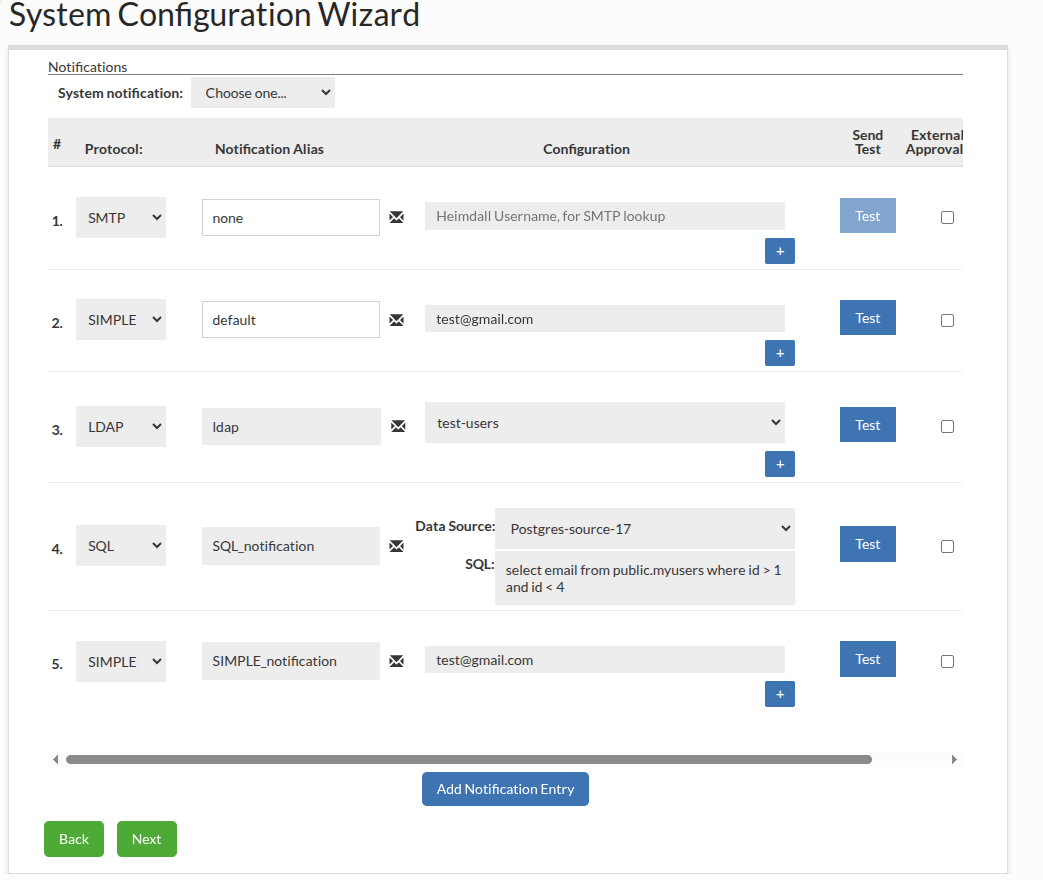
Notifications
This section allows to configure the Notifications. If an email was provided in the SMTP Configuration section, the default SIMPLE type notification with this mail will be added. More information available in the Notifications section.
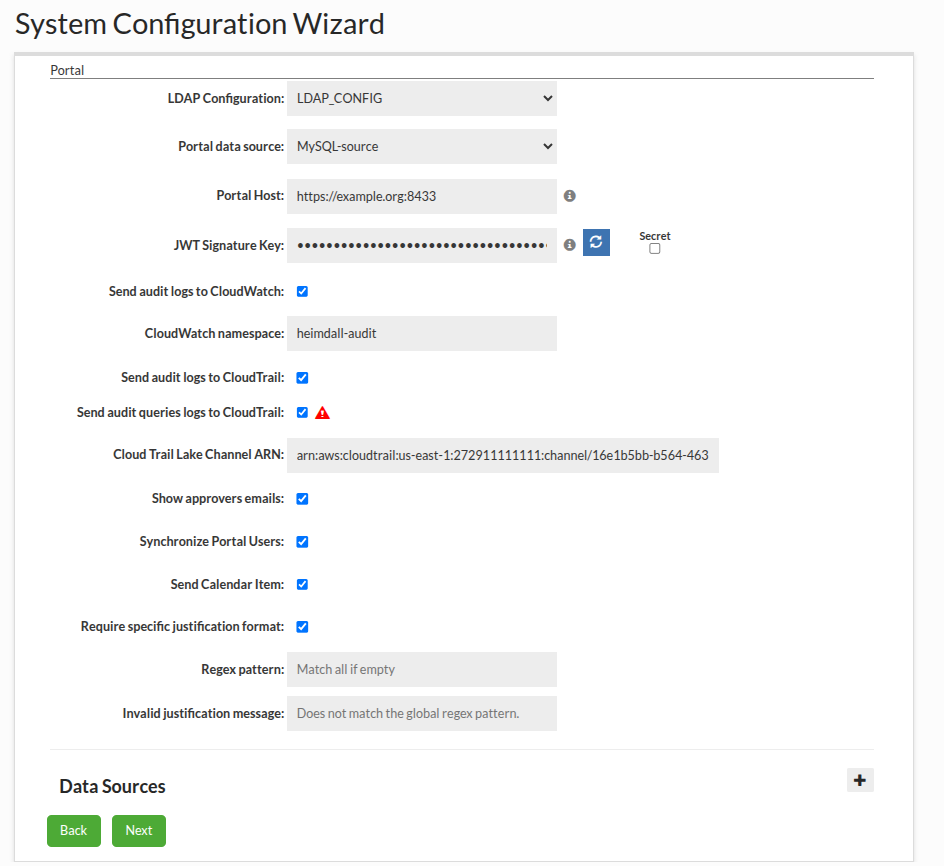
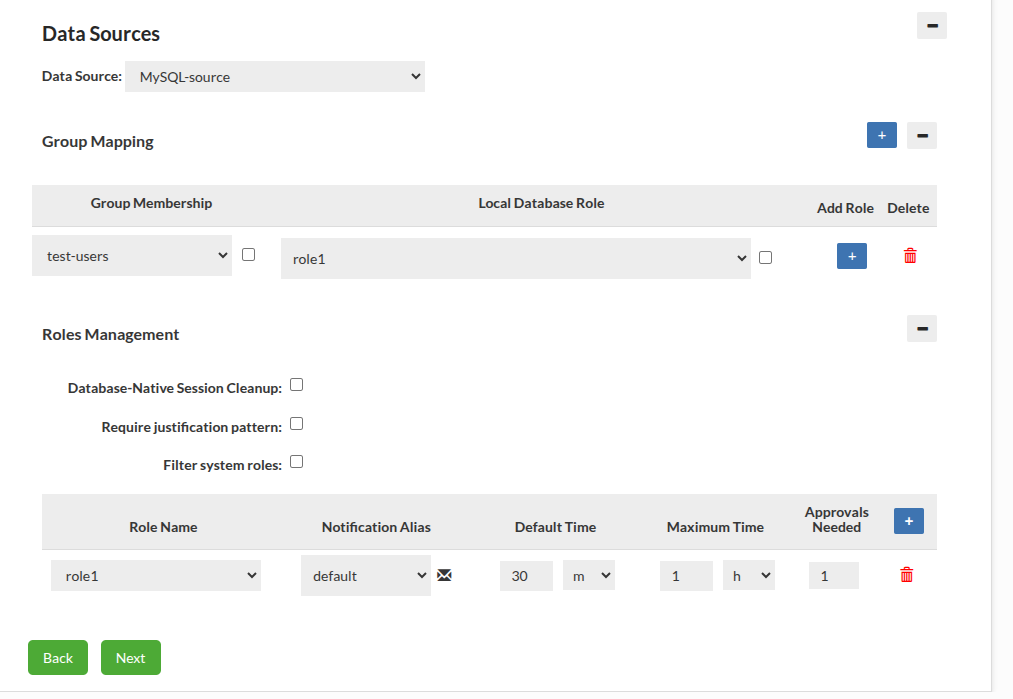
Portal
This section is displayed if the Portal Mode was enabled in the Server Properties section and allows to configure the Portal. More information available in the Portal section.
Alerts
This section allows to enable sending alerts via notifications.

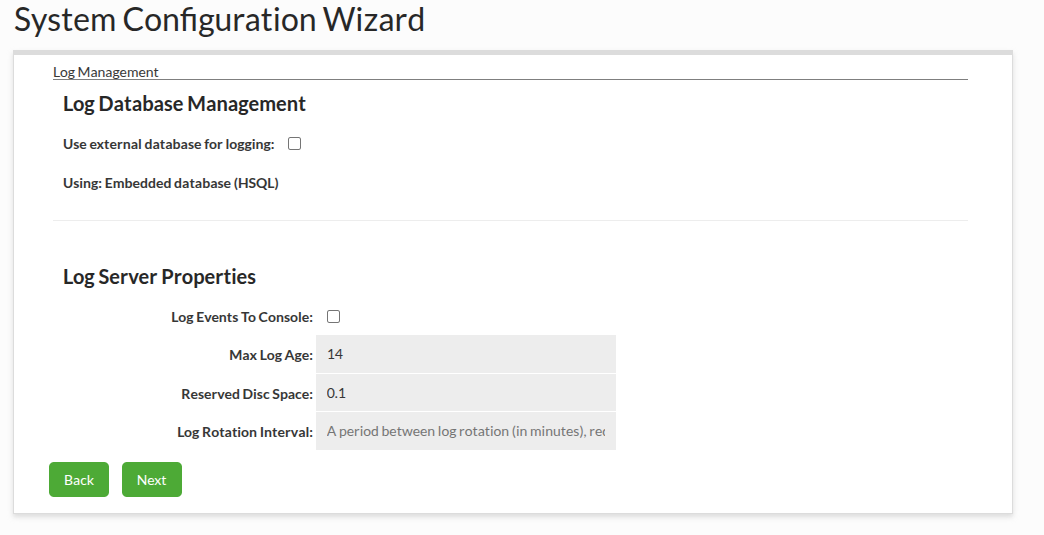
Log Management
This section allows to configure Log Management. More info available in the Log Management section.
Summary
This sections allows to check all selected options and edit them before submitting.
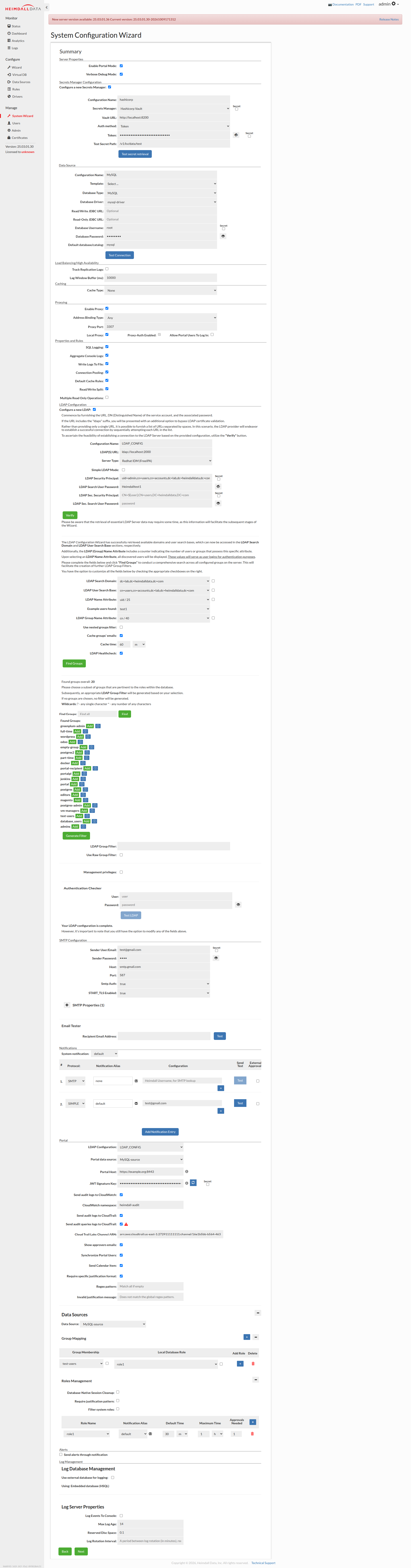
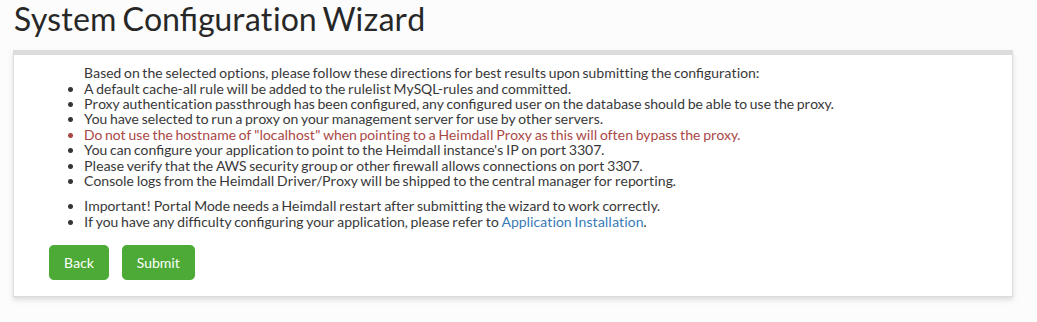
Based on the selected options, please follow these directions for best results upon submitting the configuration.